
Understand addresses, seed phrases and private keys before creating or importing an account.
View steps →imtoken Multi-chain Wallet
Manage Multi-chain Assets and Connect to Web3 with Clarity
A multi-chain wallet, blockchain network and Web3 knowledge hub from imtoken
Explore multi-chain assets, network selection, sending and receiving, DApp connections, approvals, blockchain concepts and wallet security through practical, checkable workflows.
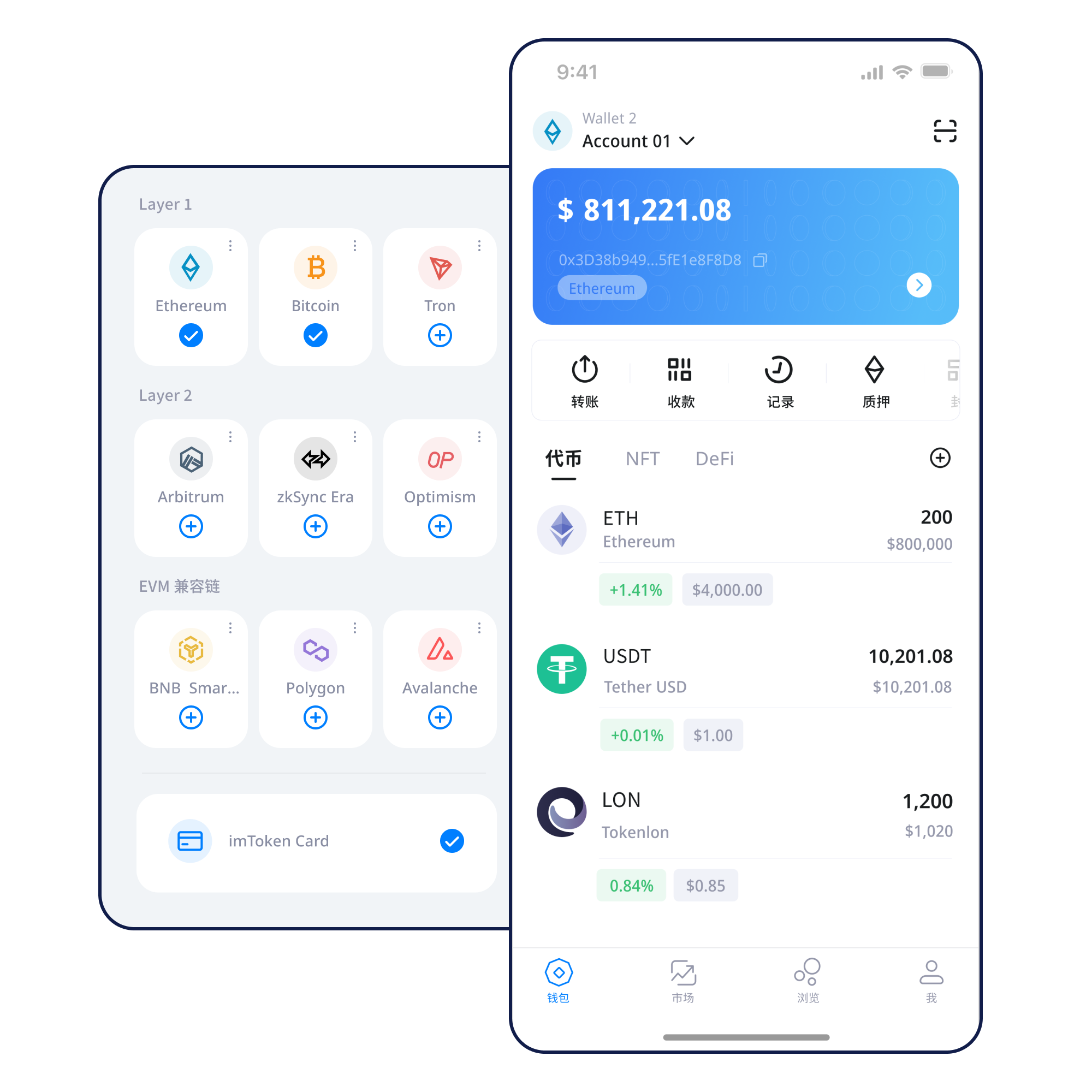
Keep recovery information offline. Avoid screenshots, public cloud storage or sharing it with anyone.
Backup principles →Verify the destination network before sharing an address, especially when an asset exists on several chains.
Receiving checks →Review address, network, amount and gas. A small test transfer can reduce mistakes in important cases.
Send checks →Verify the domain and account request, then review every signature, transaction and approval separately.
Connection guide →A wallet is more than an asset list
Real use combines networks, addresses, transactions, permissions and security. Keeping them in one mental model makes mistakes easier to spot.
Multi-chain assets
Each network has its own transaction state, fee model and explorer. When switching networks, verify the asset chain, recipient support and gas token.
 Explore multi-chain networks →
Send & Receive
Check the address and network when receiving; re-check amount, gas and transaction hash when sending. Confirmed on-chain transactions are generally not reversible by a wallet.
Learn the workflow →imtoken App
View assets, manage networks and transaction history, and review account, signature and approval requests when connecting to DApps.
Explore the App →imtoken Web and wallet security
A browser connection does not mean every later request should be approved. Keep seed phrases and private keys offline, disconnect unused sessions and review lingering approvals.
Use the Web experience → · Security guide →Explore blockchain networks
Select a topic for the key concepts. The text remains in the page source so it is still readable when JavaScript is unavailable.
Multi-chain always needs network context
Similar address formats can appear on different networks, but balances and transaction histories do not automatically move between them. Verify the receiving network and its fee token.
Public chains record state through nodes and blocks
Transactions are broadcast, processed and confirmed in blocks. A block explorer helps verify transaction hashes, addresses, block height and execution status.
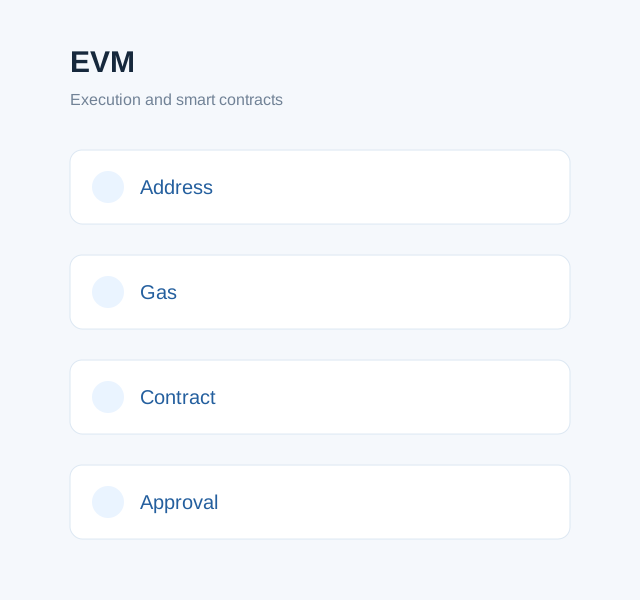
EVM links contract execution, gas and approvals
A contract interaction can include token permissions or method calls. Review the contract address, spender and permission scope rather than relying on button labels.
Layer 2 has a settlement relationship with mainnet
Cross-layer transfers can involve bridges, different confirmation patterns and exit waiting periods. Verify both source and destination networks.
Gas represents part of the network execution cost
Network load, transaction complexity and chain rules influence fees. Use the transaction hash and explorer data to understand pending, successful or failed states.
A repeatable path from setup to approval review
Turning important actions into a consistent routine reduces the chance of skipping checks just because a workflow feels familiar.
Get imtoken
Start from a source you have verified and re-check the domain before downloading or updating.
Create or import a wallet
Importing does not move assets into an app; the wallet uses keys to access accounts recorded on-chain.
Back up offline
Do not screenshot or share a seed phrase or private key. Prefer offline storage that is not exposed to ordinary online use.
Select and verify the network
Check the asset chain, recipient support and the token required for network fees.
Receive or send assets
Verify address, network, amount and fee. Consider a small test for high-value transfers.
Review transactions and approvals
Use the transaction hash to confirm status and periodically review DApp permissions you no longer need.
Web3 & DApps
Treat every connection, signature and approval as a separate decision
A wallet connection starts an account session. Message signatures, transaction signatures, token approvals and contract calls have different meanings and should be reviewed independently.
Connecting a wallet does not mean every signature request should be approved. Review each signature and approval on its own.
Visit a DApp
Verify the domain
Start a connection
Review the account request
Check the signature or approval
Complete the action
Disconnect unused sessions
Security
Security comes from repeated checks, not absolute promises
Wallet security spans key storage, device conditions, domain verification, signature understanding, approval hygiene and transaction checks. Seed phrases and private keys should remain under the user’s control, and official personnel should never request them. Be cautious on public devices, public networks and remote-control sessions.
- Back up seed phrases offline
- Never disclose private keys
- Verify networks and addresses
- Review signature requests
- Manage DApp approvals
What Should You Understand Before Using a Digital Wallet?
An address receives assets; a seed phrase and private key relate to account control; the network determines where a transaction occurs; gas covers execution cost; and a transaction hash helps locate a transfer on-chain. In DApps, connection, signing, transactions and approvals are separate actions.
Ethereum and PoS
Staking content focuses on mechanics and risk education. It does not promise fixed returns or use countdown-style pressure.
Ethereum Staking Basics
Ethereum PoS relies on validators participating in consensus. Reward sources, network state, withdrawals and exits can all affect outcomes, and exits can involve waiting periods.
Understand staking mechanics →Know the risks before participating
Validators can face network penalties, smart contracts can have technical risk, asset prices can move, and third-party providers can add dependencies. Participation should reflect your own circumstances.
Learn about PoS validators →Product and security updates
Updates are limited to product, network, security and service information without fabricated funding, partnership, licensing, user or market statistics.
Recent Update · ProductWallet usage notes and network-check guidance
Product NoticeHow DApp connections, signatures and approvals differ
Frequently Asked Questions
View the complete FAQ →Will imtoken ask for my seed phrase or private key?
No. Keep seed phrases and private keys under your own control and never send them to anyone or enter them on an untrusted page.
Why can the same token name appear on different networks?
Assets can exist through different contracts or bridging mechanisms. Always confirm the exact receiving network.
What is gas?
Gas measures resources used by on-chain transactions or contract execution, and fees can change with network conditions.
Does connecting a DApp automatically authorize asset transfers?
Not necessarily. Connection, signing, transactions and token approvals are distinct actions.
Can a sent transaction be reversed?
Once confirmed on-chain, a transaction generally cannot be unilaterally reversed by the wallet.
Does staking guarantee returns?
No. Rewards, waiting periods, validator status, market prices and service risks can all change.
Continue with your next task
All download buttons use the same entry page. Never provide a seed phrase, private key or verification code during any process.